Free guide · Q4 2026
Straight answers before you see the quote.
A plain-language guide to the 2026 ServiceNow tiers for nonprofits — what changed, the seven lines to check on your quote, and how to work back from your renewal date.
Check your inbox.
The guide is on its way to . Not there in a minute, look in promotions — it comes from hello@convene-tech.com.
Download it now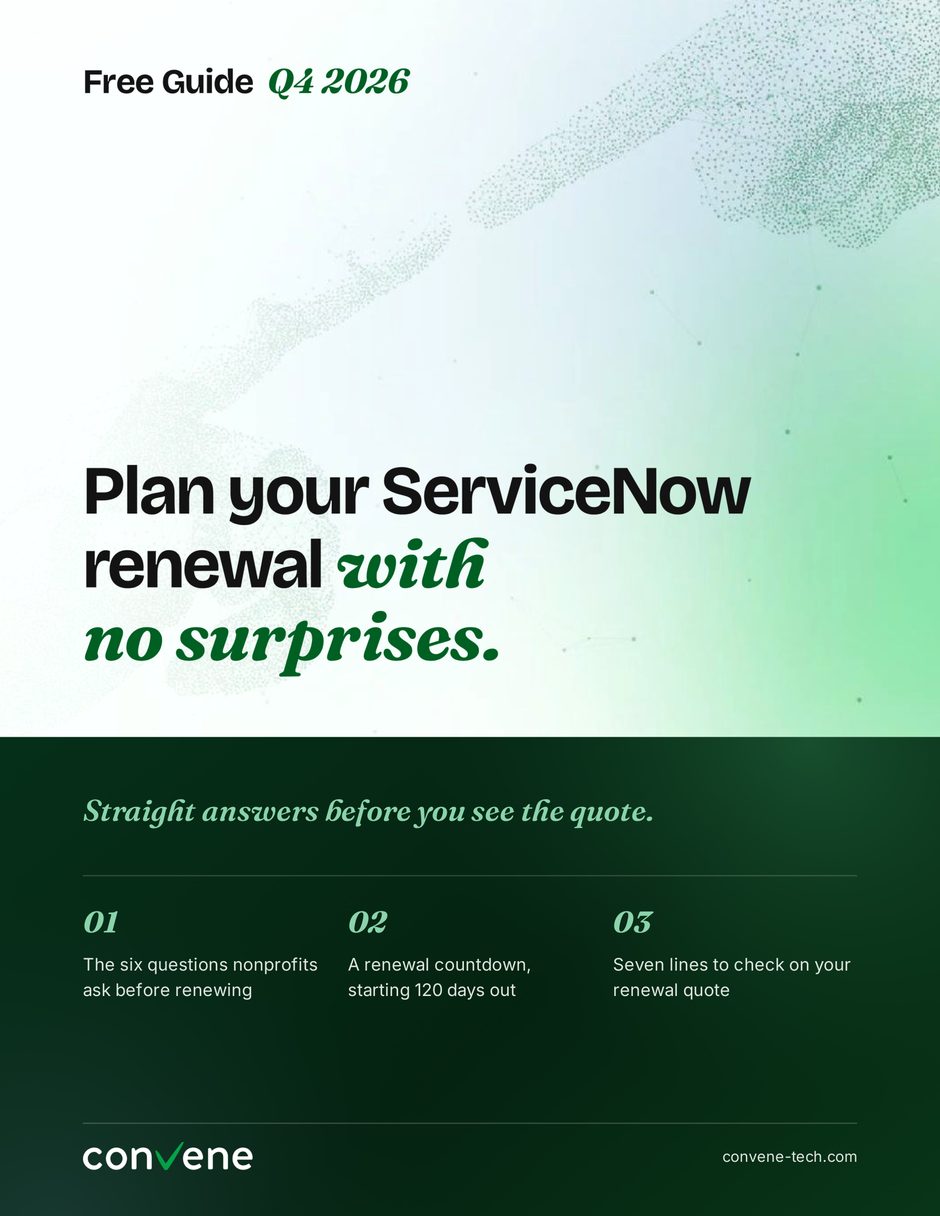
Try it before you download
When is your renewal? Here is your countdown.
A calm renewal starts about four months out. Put your renewal date in and we will work the milestones backwards — the same countdown that runs on page 3.
If your board or finance committee approves contracts, put their meeting date in first — it usually sets the real deadline.
120 days
Gather the facts. Find your renewal date and notice period. Pull your entitlements and a usage report.
90 days
Decide what matters. List the workflows you cannot lose, and map each group of users to a tier.
60 days
Review your quote. Ask for the quote early and check it line by line.
30 days
Settle terms. Agree term length, growth room and AI capacity. Get finance and board sign-off.
Renewal
Put it to work. Start using what you are paying for, beginning with the AI in your tier.
What is inside our renewal guide
Three things to settle before the quote arrives.
1
The six questions nonprofits ask
Will it cost more? Are we paying for things we no longer use? Short answers first, then how to act on each one.
2
A countdown from 120 days out
What to do at 120, 90, 60 and 30 days — and why the board meeting usually sets the real deadline.
3
Seven lines to check on the quote
Line by line, what each one means and what to ask before anybody signs.
Seven lines to check on your quote.
Open your renewal quote and work down this list. Check each line as you confirm it — the page keeps your place.
You now know what you are agreeing to. The worksheet version has space to record each answer and map every workflow to its tier.
Get the worksheetWho it is for
Written for the person who has to explain the number.
- Nonprofits renewing ServiceNow in the next two quarters
- IT and operations leads who own the platform but not the budget
- Finance and board members asked to approve a figure they did not build
- Anyone mapping current modules onto Foundation, Advanced or Prime

Free guide · Q4 2026
Get the guide. Keep the checklist.
The guide arrives immediately. The Q4 renewal checklist — a worksheet built for the new Foundation, Advanced and Prime tiers — follows a few days later.
- One email address. No phone number, no job title, no sales call.
- Written by a ServiceNow partner who is not paid to tell you to renew.
- Unsubscribe in one click, and the guide is still yours.
Send me the guide
Nine pages. Straight to your inbox.
Check your inbox.
The guide is on its way to . Not there in a minute, look in promotions — it comes from hello@convene-tech.com.
Download it now